 Lots
LotsDecisions for Android
Can't decide? Draw a card.
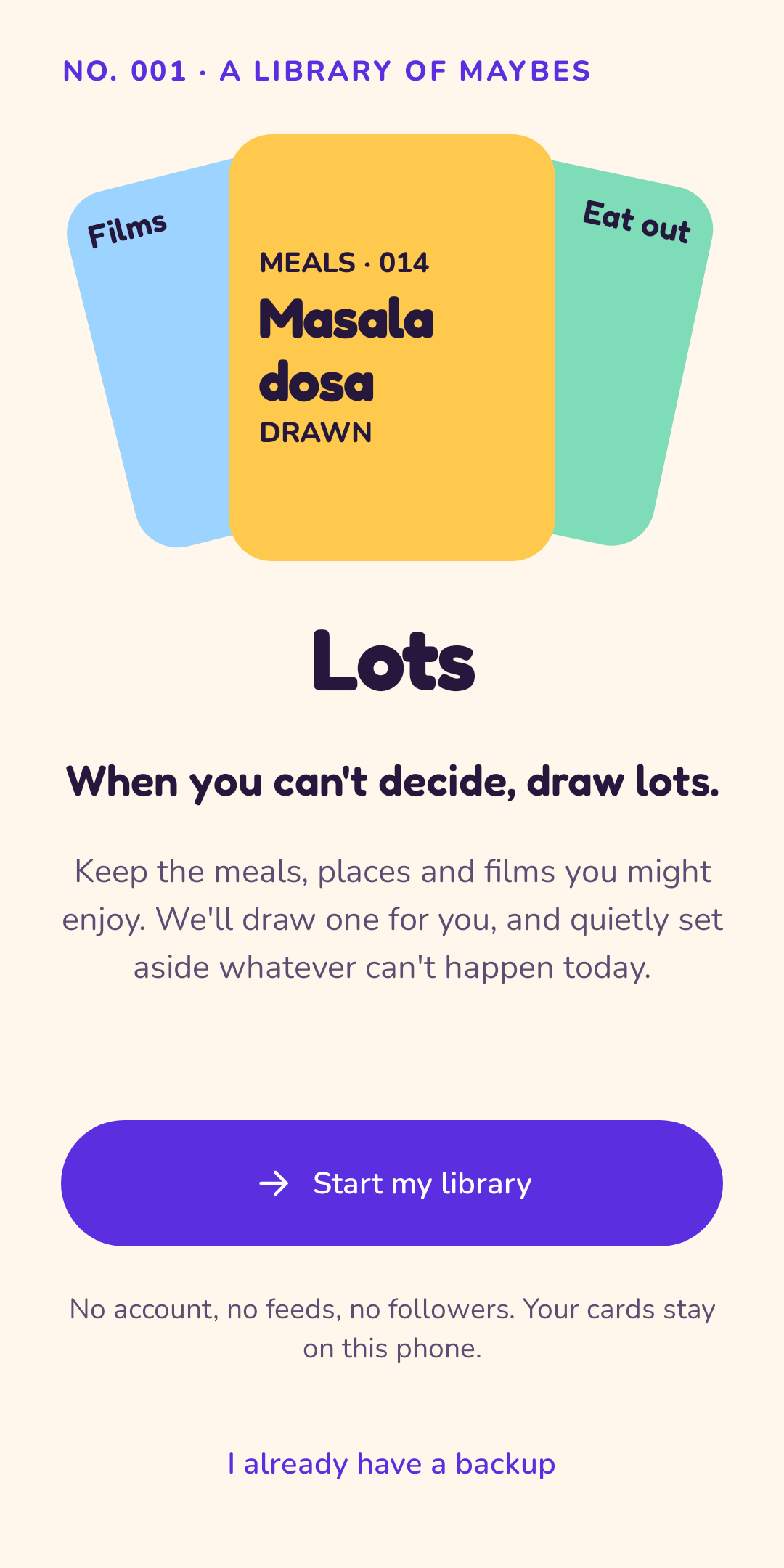
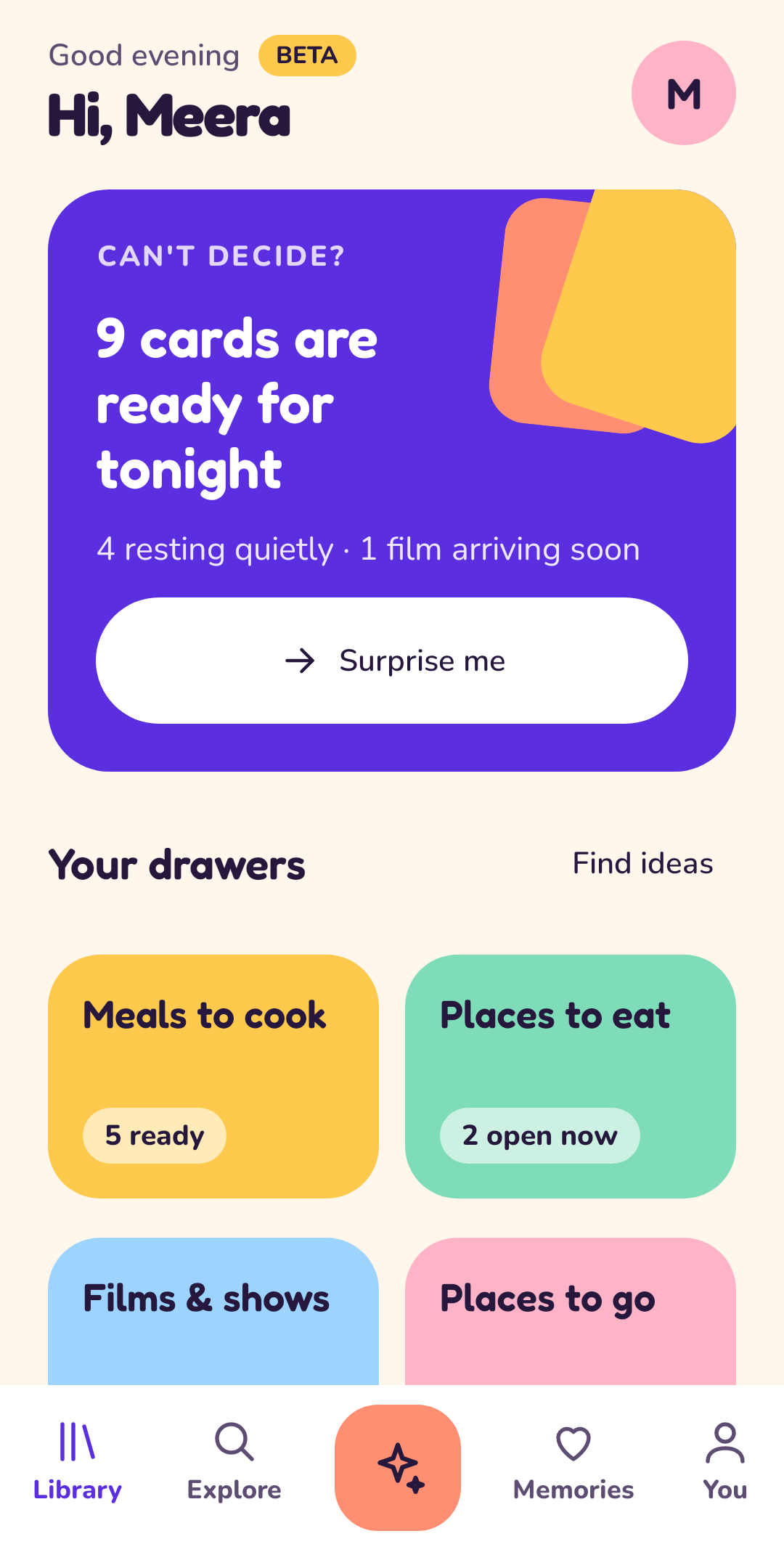
Keep the meals, places and films you might enjoy. Lots draws one for you, and quietly sets aside whatever can't happen today. No feeds, no followers: your cards stay yours.
Free. Android 8.0 and newer. Ages 13+. See how it works.
- Free, no ads
- No account needed
- Works offline, always
- Four drawers to start
- Draw together on one phone
How it works
Three small steps to dinner.
Fill your drawers
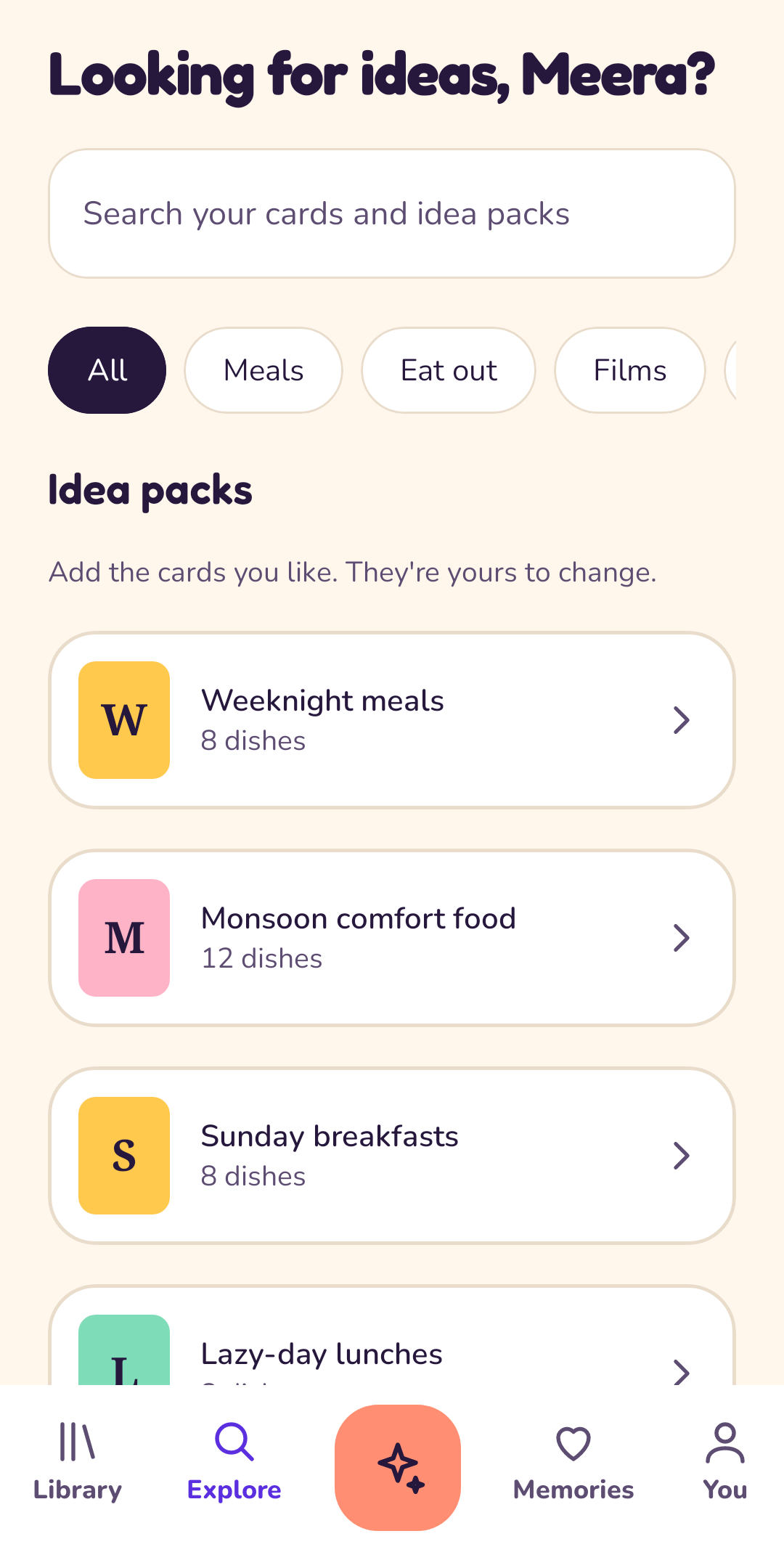
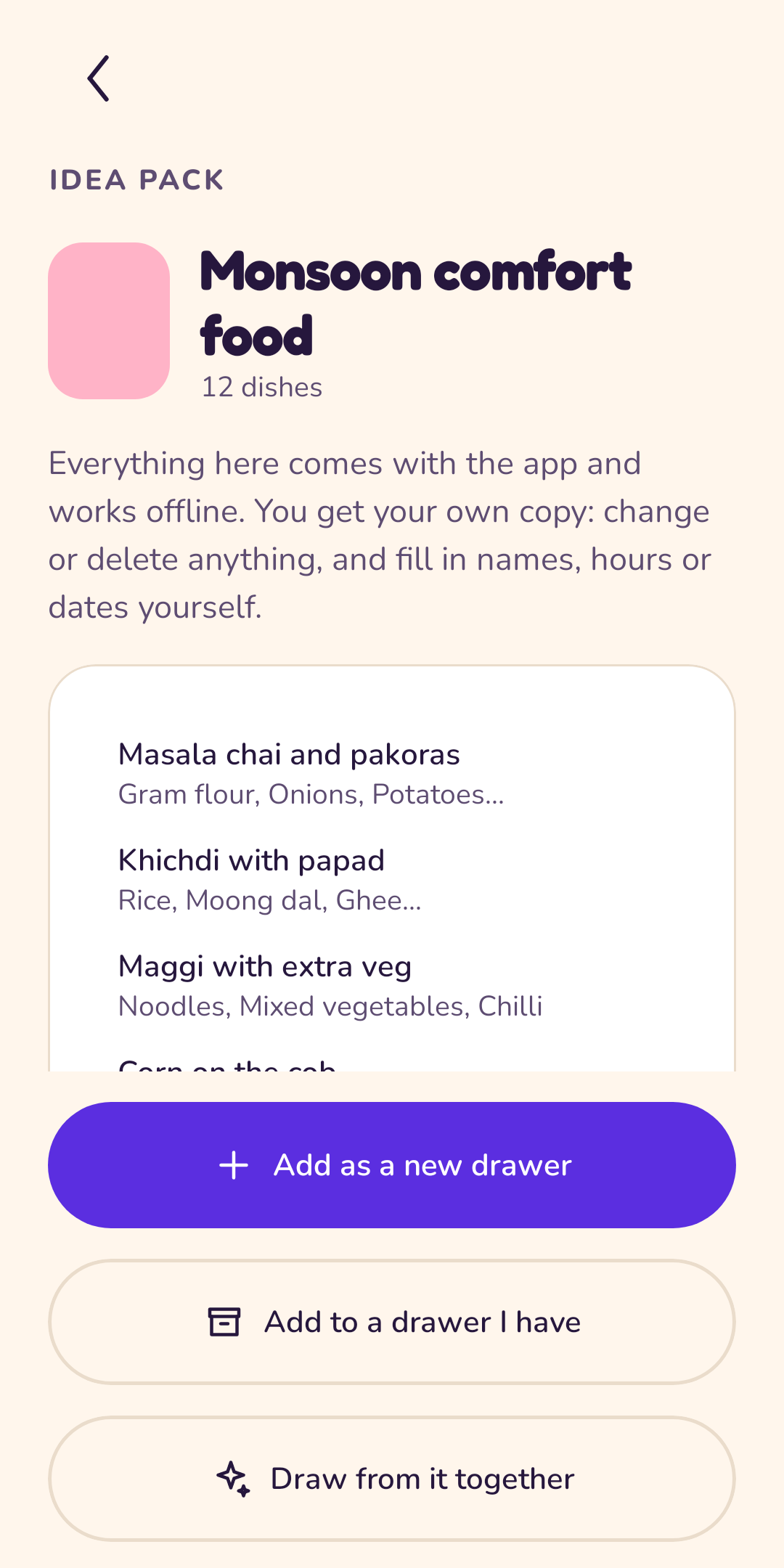
Keep the meals, places and films you might enjoy as cards in drawers. Add your own or bring in an idea pack.
Draw a card
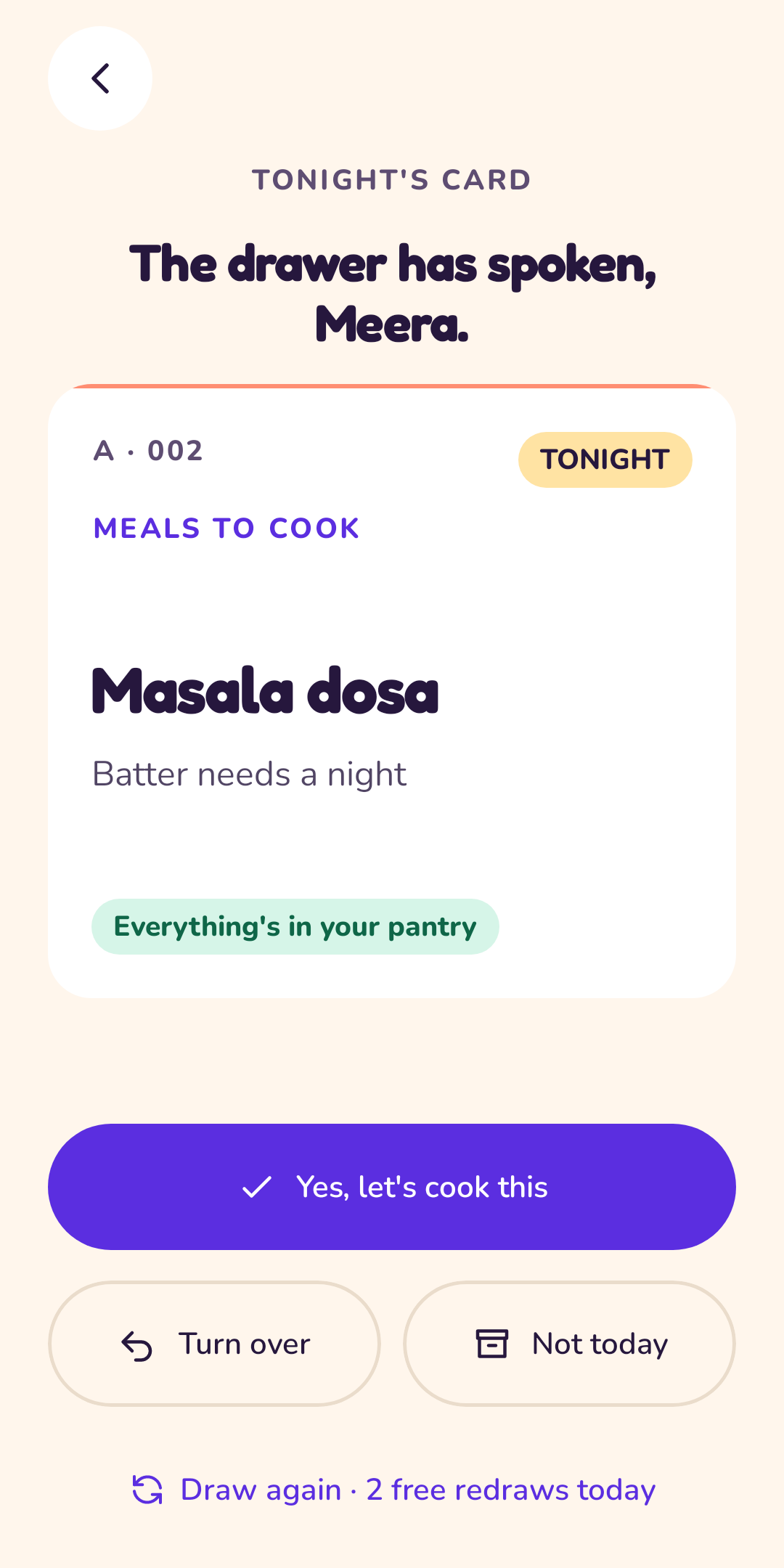
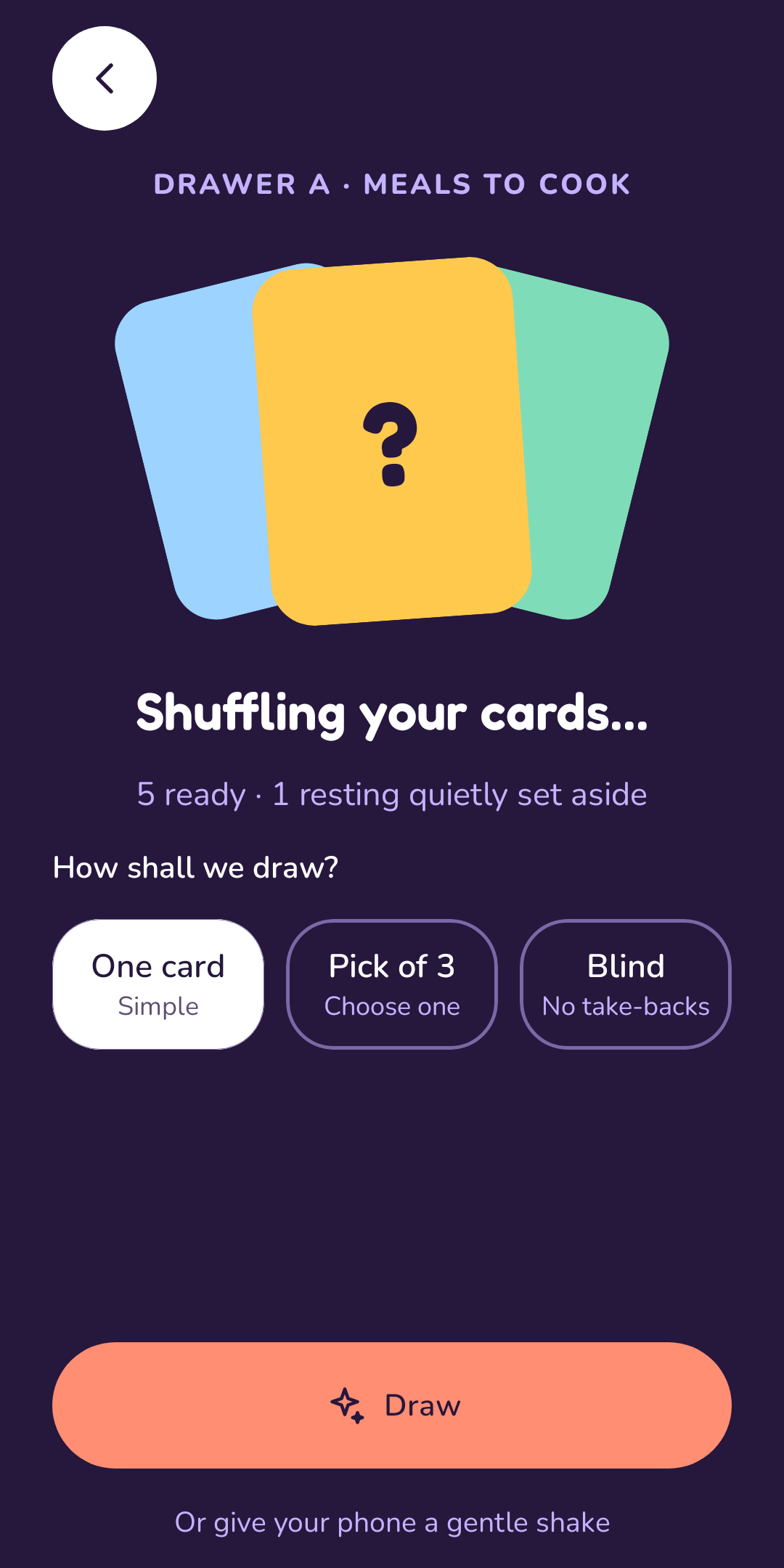
Tap Can't decide? and Lots shuffles and draws one, only from the cards that can happen today.
Say yes, or not today
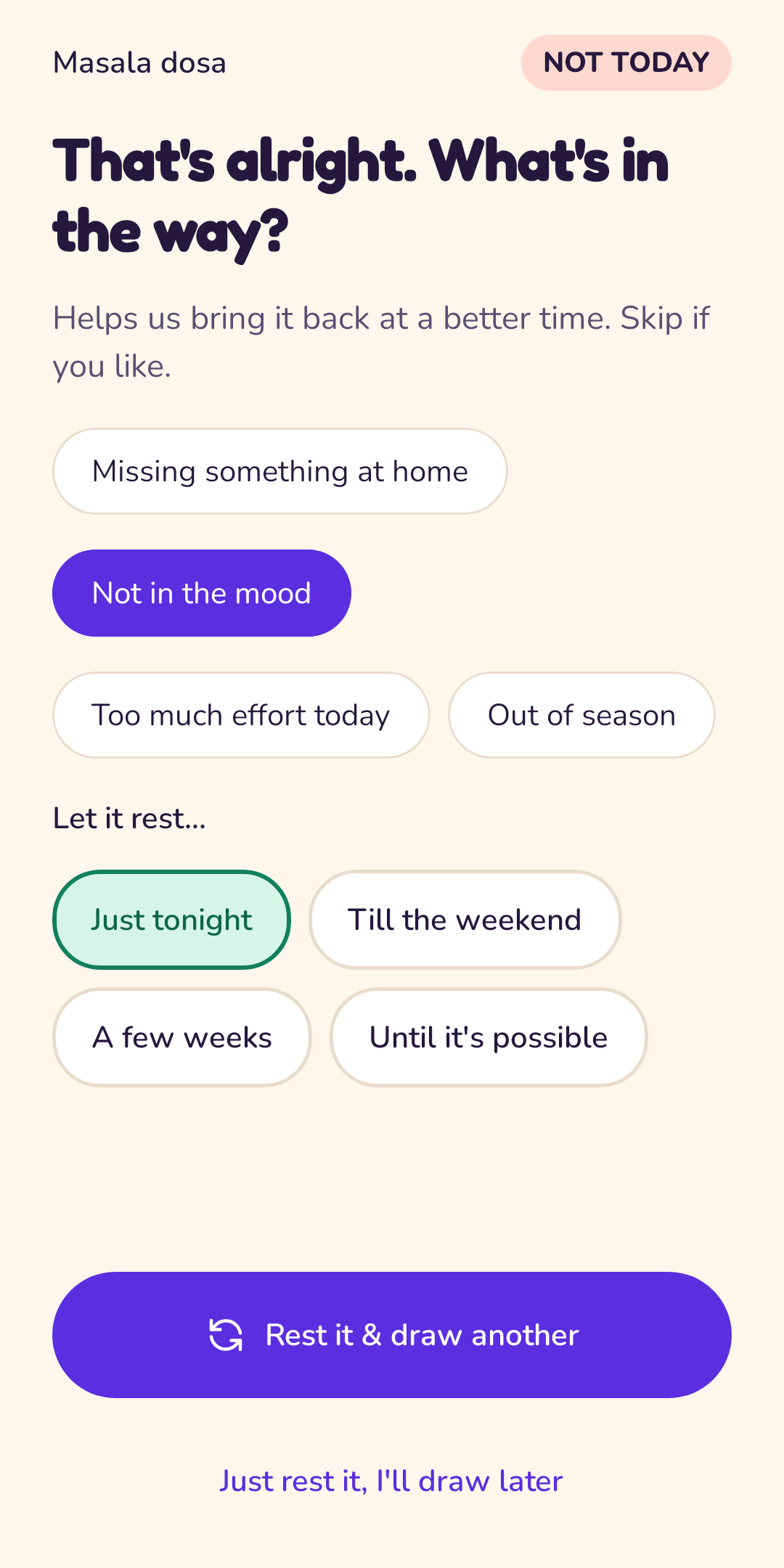
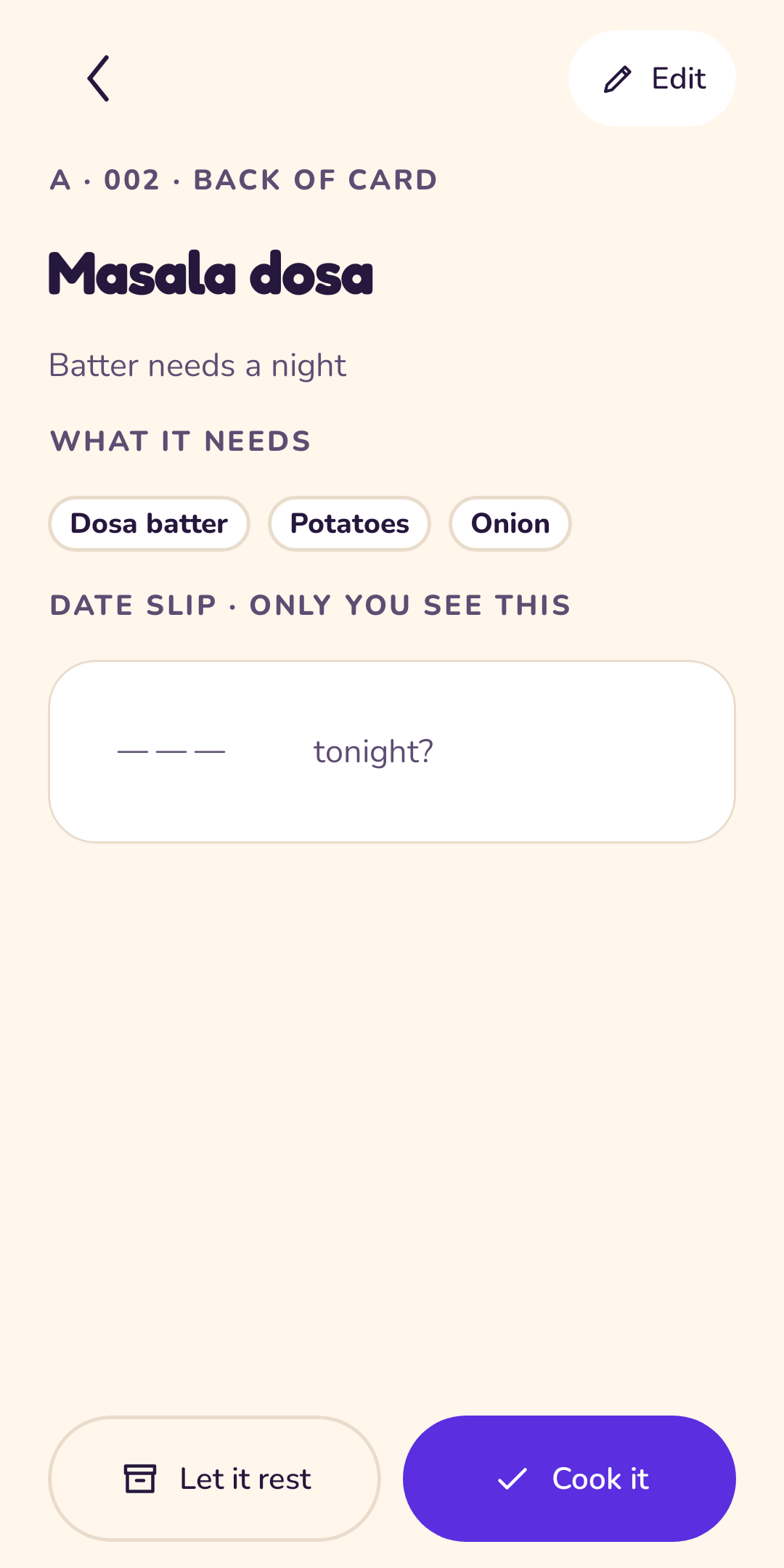
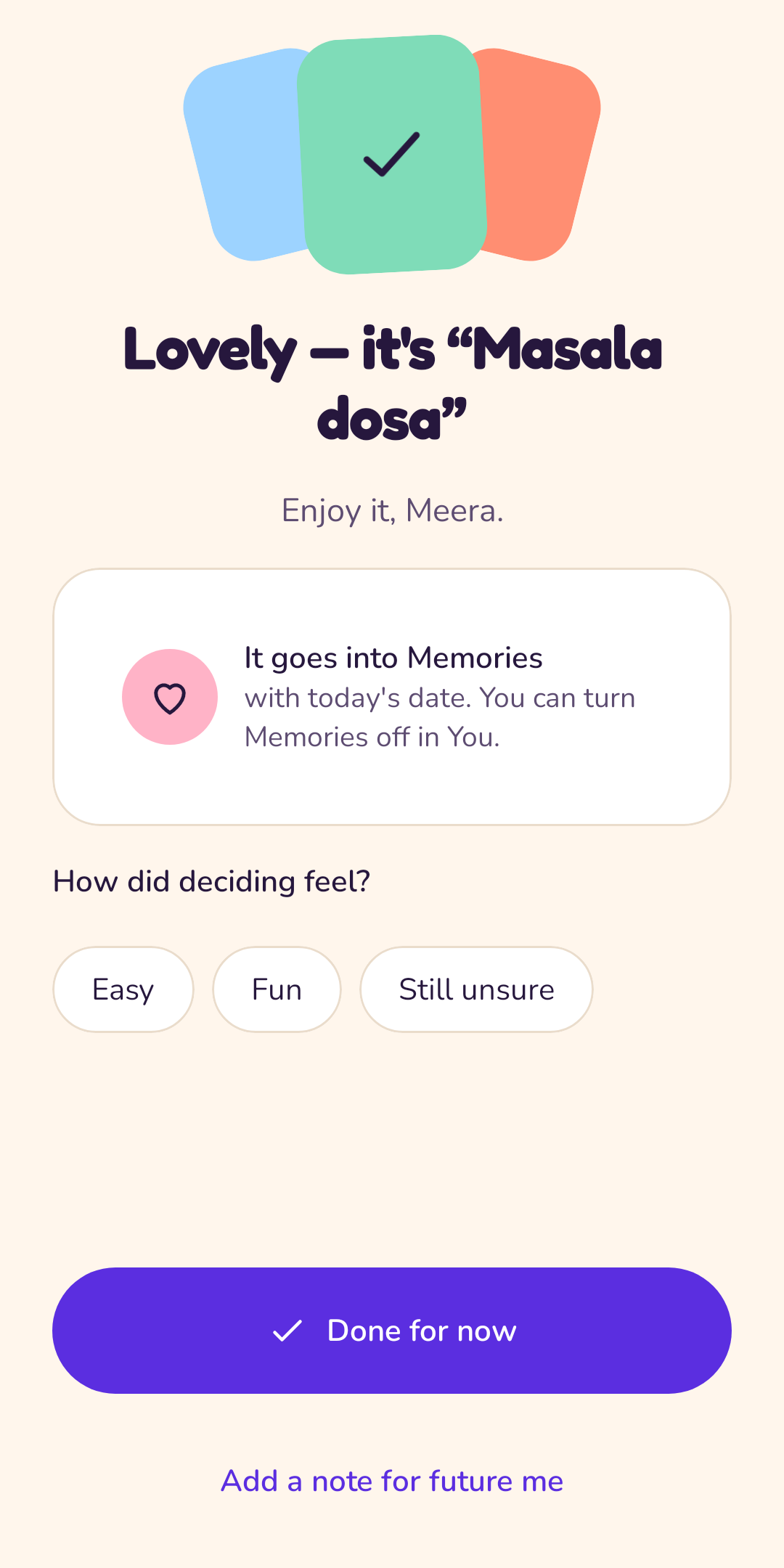
Yes keeps it as a memory. Not today sets it aside until a better time, and you draw another.
The four drawers
A library of maybes.
Each kind of card knows what matters for it. Want something else? Make a custom drawer and give it a colour.
Meals to cook
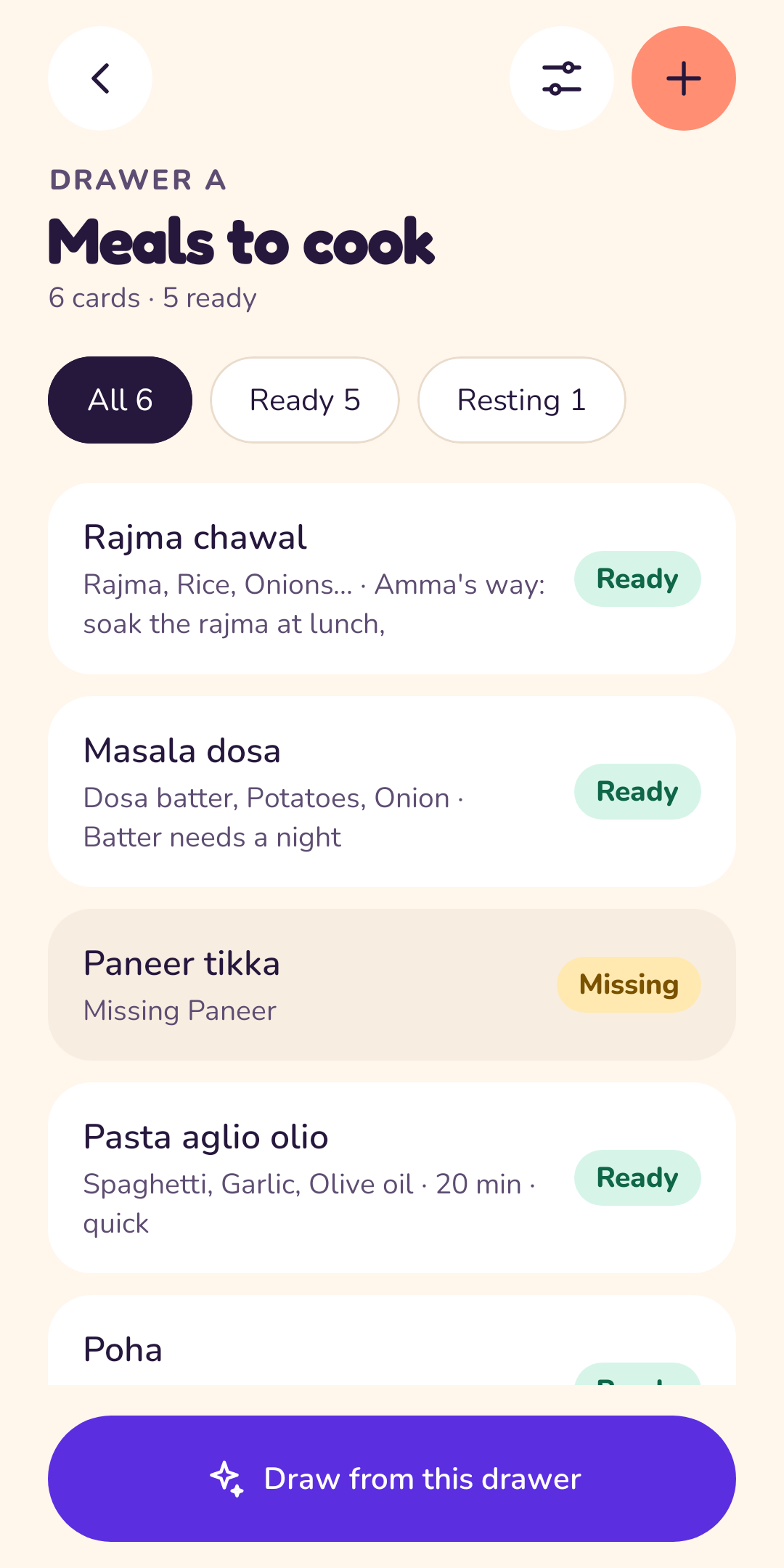
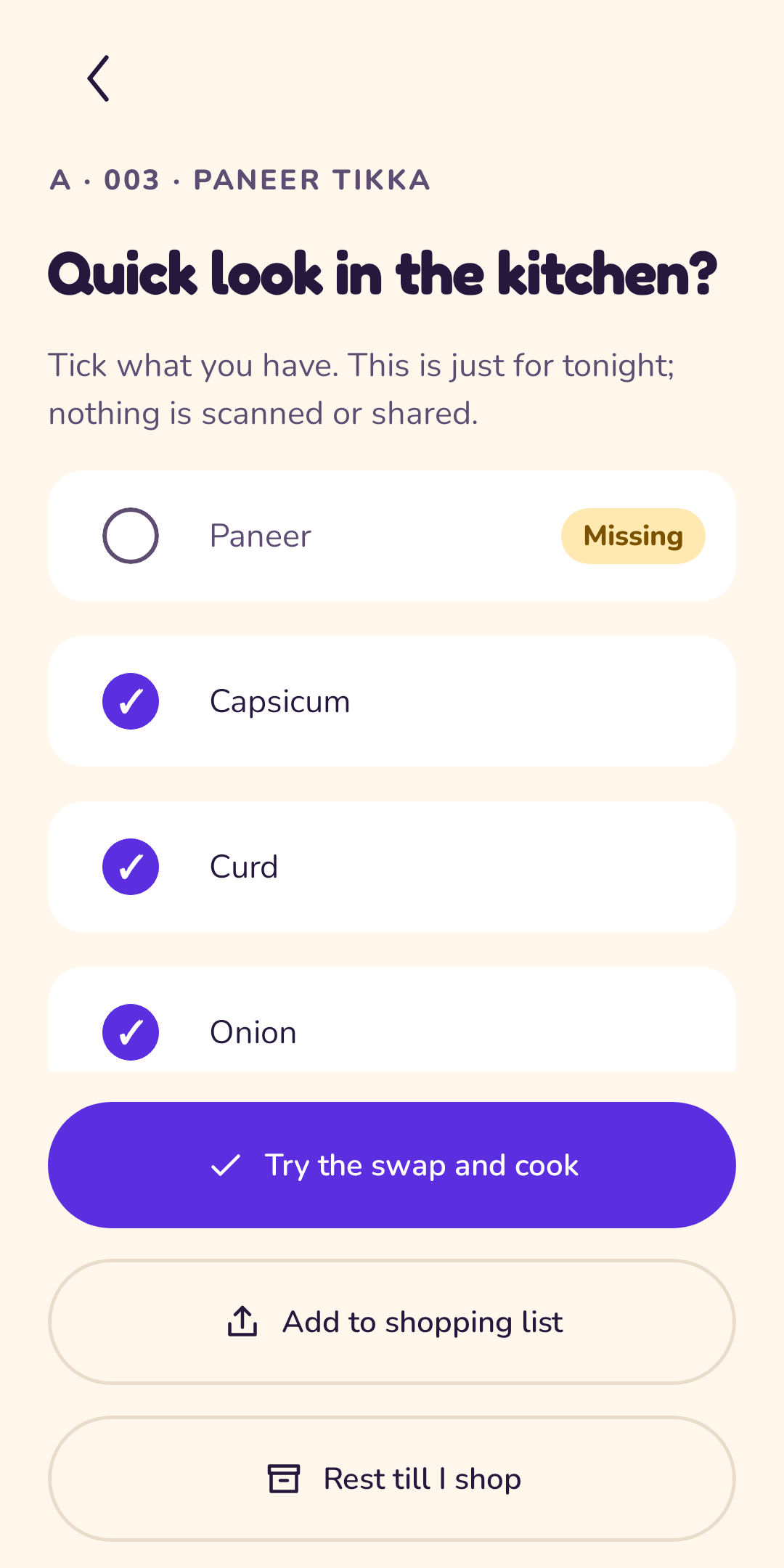
Dishes you might make tonight. Add the ingredients and Lots can tell when something is missing from your pantry.
Places to eat
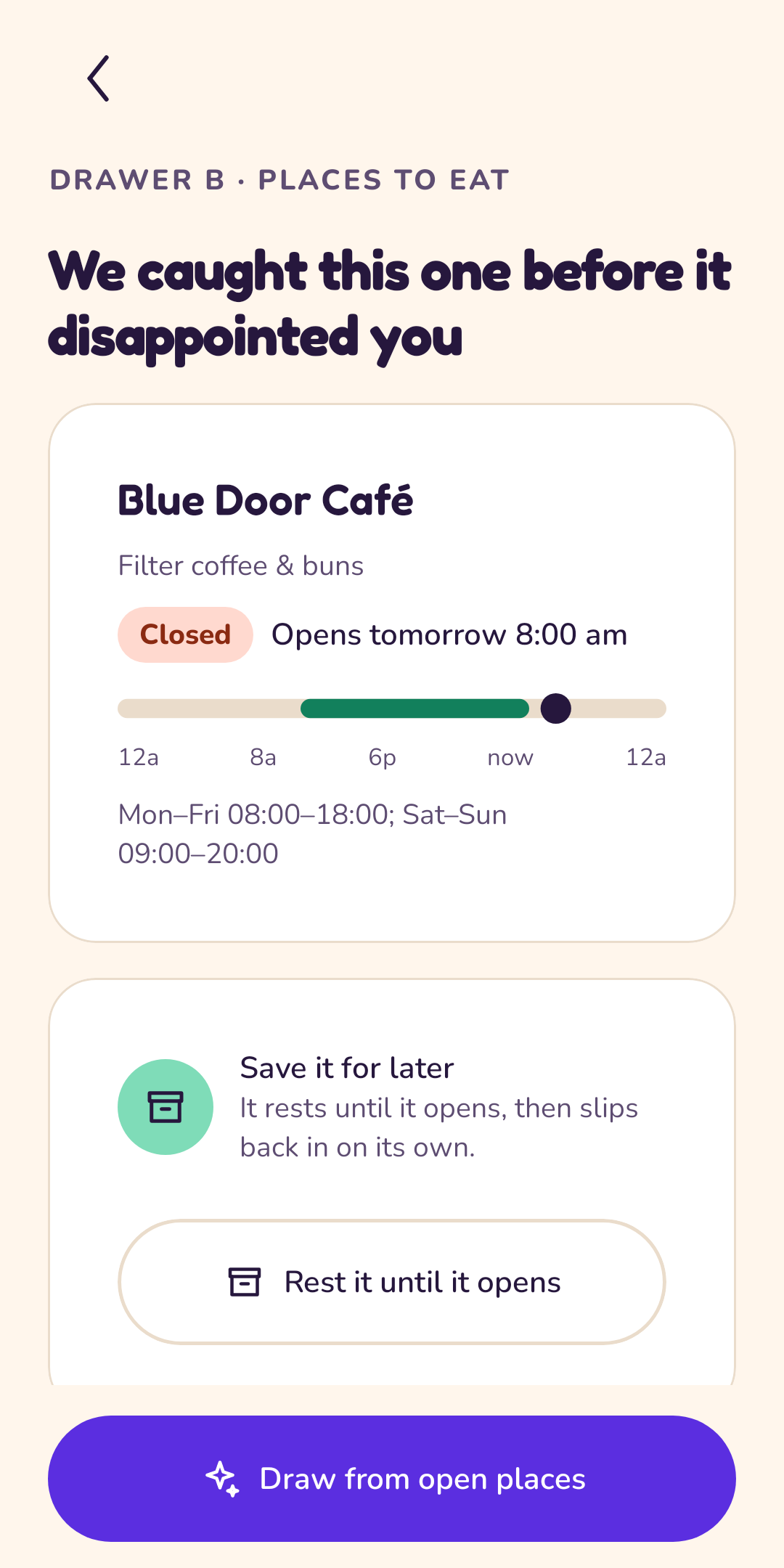
Cafés and restaurants worth a visit. Add when they open and Lots sets a closed place aside for you.
Films & shows
Things to watch. Note where you watch and the day a film arrives, and it waits until it can be seen.
Places to go
Walks, museums, day trips. Draw a plan when the weekend has none.
Not today
It says no when the day does.
A good draw is one you can actually do. Lots keeps cards that cannot happen tonight out of the draw, and says why, kindly. You tell it what is true (opening hours, what is in the pantry, where you watch) and it does the rest.
Closed right now
You type when a place opens. If it is shut, the card rests until it opens, and Lots offers to save it for tomorrow.
Missing an ingredient
Turn on the Pantry helper, list what you keep at home, and meals you cannot cook tonight stay out of the draw.
Not streaming yet
Tick the services you watch on and type the day a film arrives. Until then it rests, then slips back into the drawer.
Just not in the mood
Pick a reason, choose how long to rest it, and draw another. Nothing is deleted, nothing is scolded.
Memories
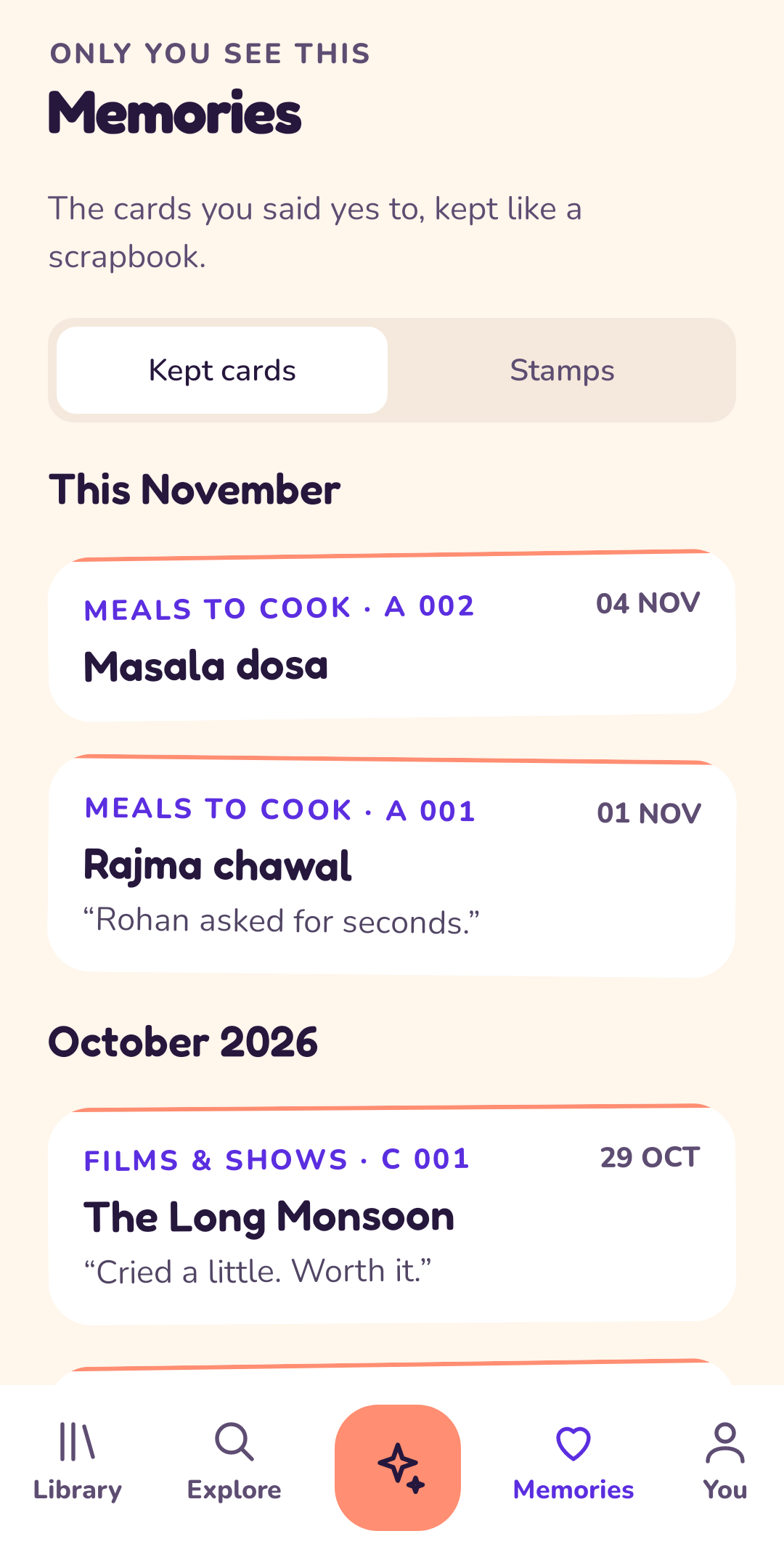
The yeses, kept like a scrapbook.
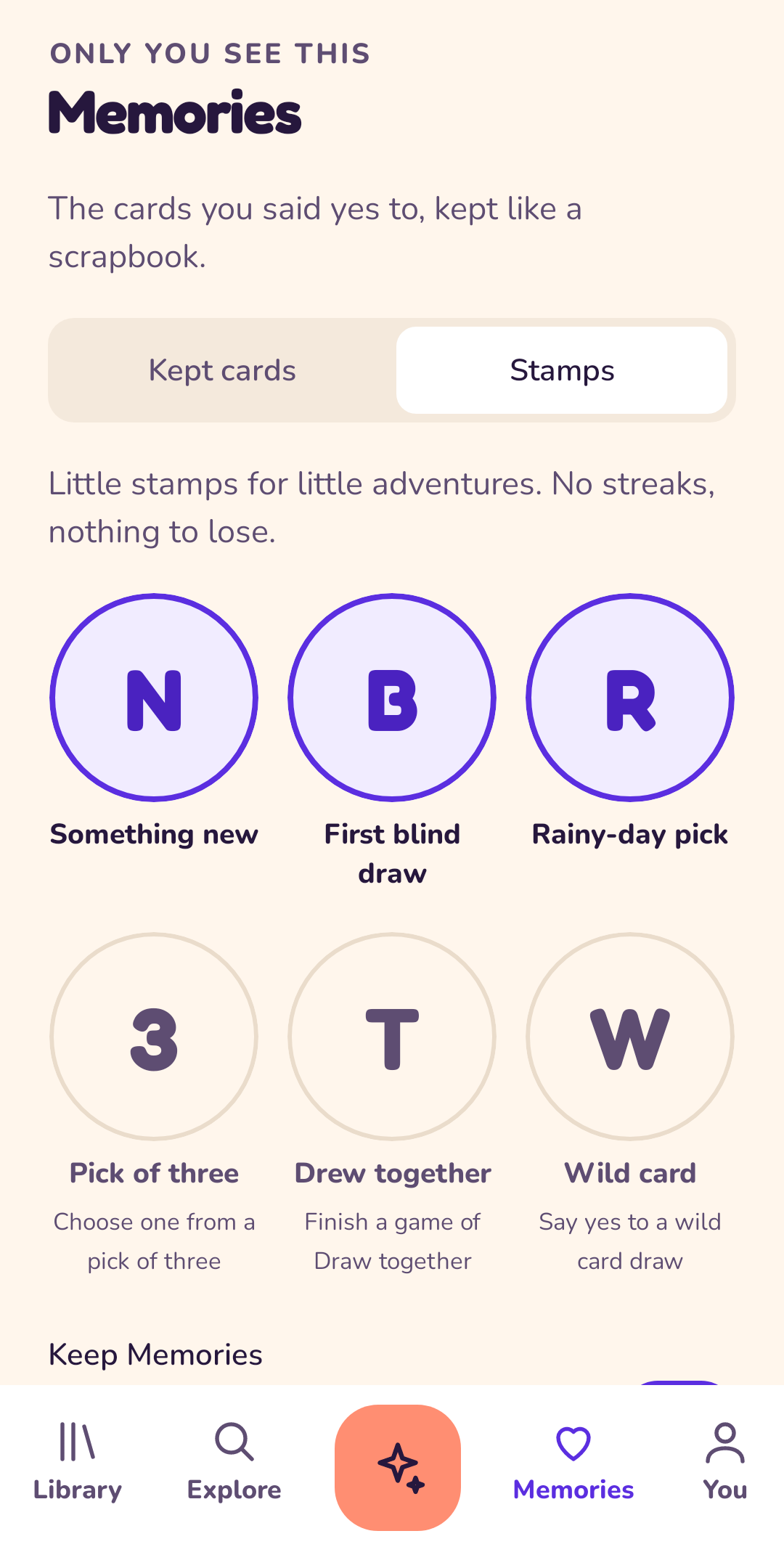
Every card you said yes to can be kept with a note and the date: the rajma that turned out perfectly, the film you both loved. Only you see them.
Little stamps mark little adventures. No streaks, nothing to lose, and you can turn Memories off whenever you like.
- Something new
- First blind draw
- Rainy-day pick
- Pick of three
- Drew together
- Wild card
Draw together
Three cards. One veto each.
Choosing for two, or for a whole sofa? Pass the phone. Flip a card, or use your veto. The last card standing wins the night. Cards that cannot happen right now are never dealt.
It all happens on one phone: nobody else needs the app, an account or a signal.
A look inside
Sunny in light, calm in dark.
Get Lots
Try Lots today.
The beta download is being prepared. Check back soon, or write to us and we will tell you when it is ready.
Beta means you may meet rough edges. Tell us about them at hello@onelifestack.com; every message helps.
Install in four taps
- Open this page on your Android phone and tap Download Beta.
- When the file finishes, open it. If Android asks, allow installs from your browser or Files app.
- Tap Install, then Open.
- Fill your first drawer and draw a card. Needs Android 8.0 or newer.
Same promises as ever
No account, no ads, no tracking, and no internet permission. Your cards stay on your phone.
When the Play version arrives
The beta is signed with a beta key, so Google Play cannot update it. When Lots is on Play: save a backup (You > Back up to a file), uninstall the beta, install from Play, then restore from your file.
On your laptop
Lots in your browser.
Plan the week from the big screen, add cards with the keyboard and keep everything where you left it. Your cards stay in the browser on that computer: no account, no sync, nothing sent anywhere.
Moving drawers between your phone and your laptop works with a backup file: download one in the app (You > Back up to a file) and open it on the web, or the other way round.
Good to know
- Works offline after the first visit, and can be installed from your browser.
- Clearing the browser's site data erases your drawers, so download a backup now and then.
Privacy
Your cards stay yours.
Lots has no servers and no account. Here is the whole story in short; the full privacy policy is in plain words too.
Kept on your phone
- Your drawers, cards and photos
- Your memories and stamps, if you keep them
- Your pantry, services and preferences
- Everything in the app's private storage
Never happens
- No accounts, no sign-up
- No feeds, no followers
- No ads, no analytics, no tracking
- No internet permission at all
- No servers: we never see your cards
Questions? Read the privacy policy and terms of use, or write to hello@onelifestack.com.
FAQ
Good questions.
Is Lots free?
Yes. There are no ads, no subscriptions and nothing to buy.
Where are my cards stored?
Only on your phone, in the app's private storage. There is no account and no cloud. We run no servers for Lots, so we cannot see your cards.
Does Lots look up opening hours or release dates?
No. Lots never goes online, so you type when a place opens and the day a film arrives. That is also why it needs no internet permission.
What if I lose or change my phone?
Use You > Back up to a file to save everything to a place you choose. On the new phone, restore from that file.
Is there a web version?
Yes: Open on the web. It works on a laptop, keeps its data in that browser only, and uses the same backup file as the phone app, so you can move your drawers between them.
How does Draw together work?
Pass the phone. Three cards are dealt, each person has one veto, and the last card standing wins the night. It all happens on the one phone.
What are Memories?
The cards you said yes to, kept like a scrapbook, with a few little stamps. There are no streaks and nothing to lose. Prefer not to keep them? Turn Memories off and cards simply go back in their drawers.
How do I install the beta?
Open the Get Lots section on your phone, tap Download, and open the file when it finishes. Android may ask you to allow installs from your browser or Files app once; say yes, then tap Install. It needs Android 8.0 or newer.
Is the beta safe?
It is the same app we will put on Google Play, built by us and signed with a beta key, with the same promises: no account, no ads, no tracking, no internet permission. Check the file with the SHA-256 checksum shown next to the download, and only install it from this site.
Does it sync between devices?
Not in this version. Nothing leaves your phone unless you save a backup file.
Which phones does it run on?
Android 8.0 (Oreo) and newer.
Who is it for?
Anyone aged 13 and over who has ever said "I don't mind, you choose" twice in a row.
How do I get help or share an idea?
Open You > Help in the app, or write to hello@onelifestack.com.
How do I delete everything?
You > Erase everything in the app, or just uninstall it. There is nothing to delete anywhere else.
Still stuck? Contact support.
About
Made by OneLifeStack.
Lots is one of the small, private apps in OneLifeStack, a family of tools built around one idea: your information belongs on your own devices, and tools should be calm to use.